How to Get a Check Stub from Applebee's

Most Applebee's employees can pull up a pay stub online in a few minutes, but there is no single "Applebee's login" that works for everyone. Applebee's has more than 1,400 locations across the U.S., and nearly all of them are run by independent franchise groups with their own payroll systems. This guide covers the current portals for 2026, what you'll need to log in, and how to get a pay stub or W-2 if you no longer work there.
How to Get Pay Stubs from Applebee's (Step-by-Step Guide)
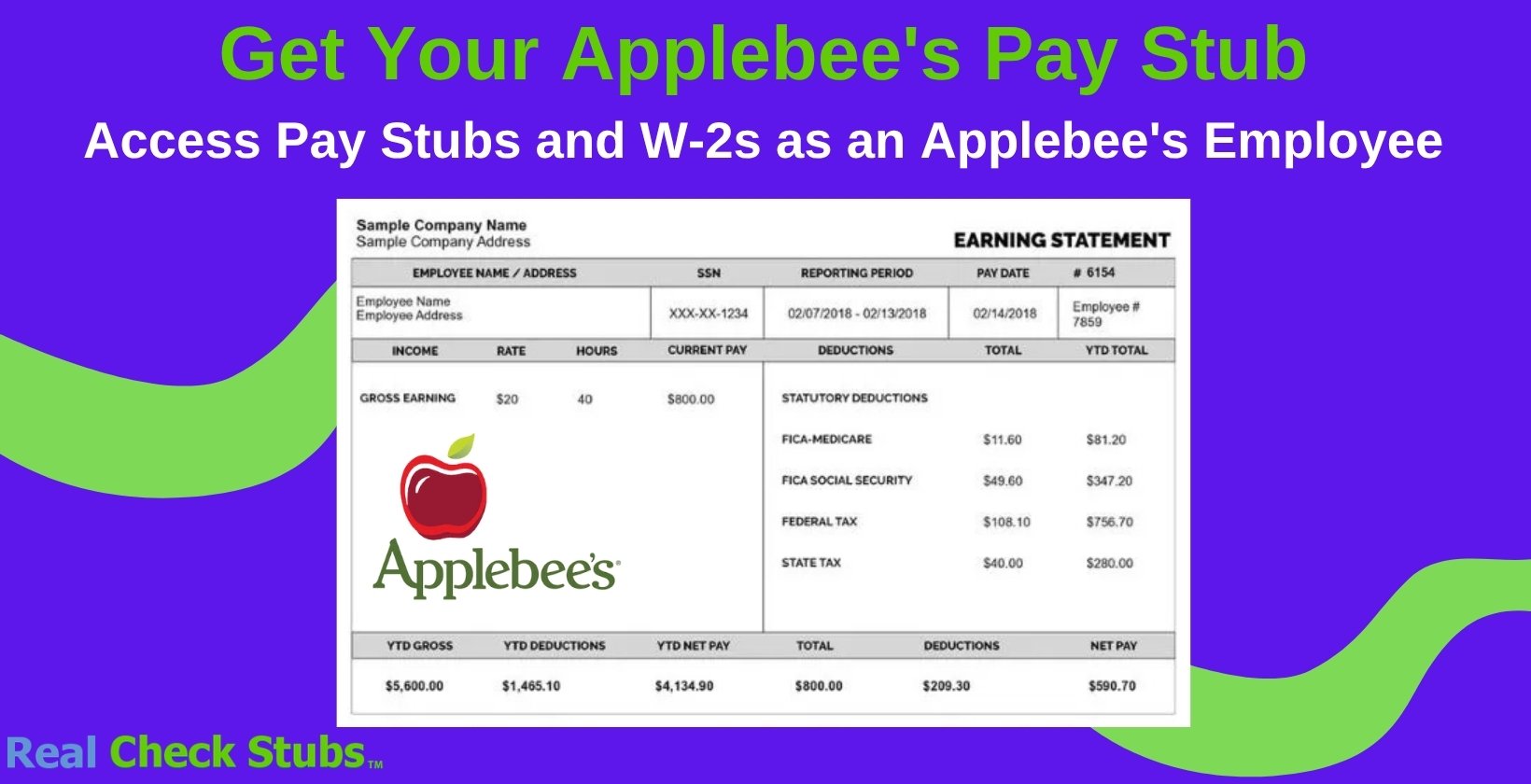
Before you log in anywhere, find out which company operates your restaurant. If you want a broader overview first, check our guide on how to get a check stub. Applebee's franchisees each use their own payroll provider, so the steps below depend on your specific employer, not on Applebee's corporate.
If Flynn Group (Apple American Group) Runs Your Restaurant
Flynn Group is Applebee's largest franchisee, running more than 450 restaurants under its Apple American Group. If you work at one of these locations, you'll view pay stubs through the SAP Employee Self-Service (ESS) portal or the Flynn People Portal.
- Log in with the user ID and password provided by your HR office.
- Select "Employee Self-Service," then "My Paystubs."
- Print or save your stub as a PDF from that page.
W-2 forms work differently. Flynn Group employees register separately at the ADP Self-Service portal each year to receive their W-2 electronically. If you have trouble with either portal, contact Flynn's Payroll Department at payroll@flynnrg.com.
If The Rose Group Runs Your Restaurant
The Rose Group, another major Applebee's franchisee, uses the Dayforce Self-Service portal for pay stubs, direct deposit, and benefits. Log in with your employee credentials, then look for "Earnings Statements" or "Year-End Forms" in the menu.
If You're Not Sure Who Operates Your Restaurant
Many smaller Applebee's franchise groups use ADP Workforce Now or a UKG (formerly UltiPro) portal instead. If you don't recognize any of the names above, ask your manager which payroll system your restaurant uses. They can also give you your login credentials if you're a new employee.
Some UKG-based portals still follow an older login pattern: your first name plus the last four digits of your Social Security number as the user ID, and your date of birth (in mm-dd-yy format) as your temporary password. You'll be asked to set a new password and answer security questions the first time you log in.
Quick Reference: Applebee's Payroll Portals by Franchise Group
| Franchise Group | Payroll Portal | W-2 Access |
|---|---|---|
| Flynn Group (Apple American Group) | SAP ESS / Flynn People Portal | ADP Self-Service |
| The Rose Group | Dayforce Self-Service | Dayforce Self-Service |
| Other franchise groups | ADP Workforce Now or UKG/UltiPro | Same portal, or by request from HR |
If none of this matches your restaurant, your manager can request a printed copy of your pay stub or point you to the correct portal link.
What Information Do I Need to Get an Applebee's Pay Stub?
Whatever portal your location uses, you'll generally need a few basic details to log in or register for the first time.
- Employee ID, username, or the email address on file with HR
- Your Social Security number (or the last four digits)
- Date of birth, used to verify your identity or set a temporary password
- A registration or activation code from HR, if you're logging in for the first time
Keep this information handy before you start. If your portal asks for something you don't have, contact your manager or the payroll department for your franchise group.
Why Would You Need a Pay Stub From Applebee's?
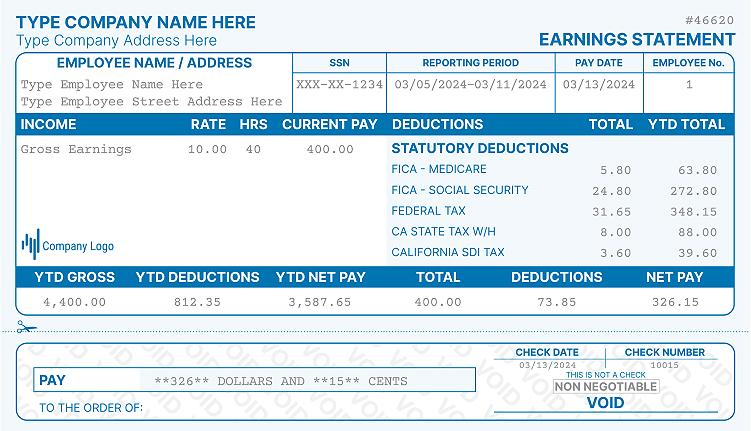
Even if you don't need one right now, it's worth keeping a few pay stubs on hand. They double as proof of income and employment, which landlords, lenders, and government agencies often ask for.
Pay stubs also help you catch payroll errors early, like missing hours or an incorrect tax withholding. Reviewing them regularly is a simple way to make sure you're getting paid correctly.
Not Working at Applebee's Anymore? Here's What You Have to Do
If you've left Applebee's and need to recover pay stubs from a previous job, start with your former manager or the franchise group's HR office. Most portals, including Flynn Group's and The Rose Group's, stay active for former employees for a limited time after separation.
For W-2 forms specifically, employers are legally required to send them by January 31 each year, either electronically or by mail. If you moved after leaving Applebee's, update your address with HR before year-end so your W-2 doesn't go to your old address. If you need a wage and tax document faster, our W-2 form maker lets you put one together in minutes if you have your final pay details on hand.
Can You Create Your Own Pay Stub at Home?
Yes, you can. If you want the full breakdown, see our guide on creating a pay stub for yourself. If you just need one for a specific purpose, like verifying income for an apartment application, you don't have to wait on HR.
Head over to Real Check Stubs and use our pay stub generator to create one yourself with accurate pay details. Choose a template, fill in your gross pay, deductions, and hours, and the tool calculates everything for you.
Do I Need Permission to Create My Own Pay Stub Online?
It depends on who's asking. Some landlords or lenders accept a self-generated pay stub as long as the numbers match your bank deposits, while others want one that comes directly from an employer's payroll system.
To be safe, ask your employer for a signed letterhead or payroll verification alongside any stub you create yourself. That way you're covered no matter what the requester needs.
Frequently Asked Questions
How do I get my pay stubs from Applebee's?
Log in to the payroll portal your specific franchise group uses, such as SAP ESS for Flynn Group or Dayforce for The Rose Group. If you're not sure which one applies to you, ask your manager. You can also call Applebee's home office at 888-592-7753 for general guidance.
What payroll system does Applebee's use?
Applebee's doesn't use one payroll system company-wide since almost every location is independently franchised. Most employees use ADP, an SAP-based Employee Self-Service portal, or Dayforce, depending on which company owns their restaurant. Check with your manager if you're unsure which one applies to you.
How do I access my pay stubs on ADP?
Log in to ADP Workforce Now with your username and password, then select "Pay" or "Pay Statements" from the menu. Choose the pay period you need and download or print it as a PDF. First-time users need a registration code from HR to activate their account.
How do I contact Flynn Group payroll?
Flynn Group employees (Apple American Group locations) can email the Payroll Department at payroll@flynnrg.com. You can also use the "Get Support" option inside the Flynn People Portal for login or pay stub issues.
What if I forget my Applebee's login password or user ID?
Look for a "Forgot Password" or "Forgot User ID" link on your portal's login page. You'll usually need to answer security questions or verify your identity to get a reset link. If that doesn't work, your manager or franchise payroll department can help reset your access.
How can I get in touch with Applebee's customer service about pay stubs?
Applebee's home office can be reached at 888-592-7753, Monday from 8 AM to 7 PM and Tuesday through Friday from 8 AM to 5 PM CST. For pay stub issues specifically, your restaurant's manager or franchise HR department will usually get you an answer faster, since payroll is handled at the franchise level, not by Applebee's corporate.
Final Thoughts on Getting Pay Stubs from Applebee's
Getting your Applebee's pay stub comes down to knowing which franchise group runs your restaurant and using the right portal for that group. Once you're logged in, viewing, downloading, or printing your stub takes just a few clicks.
If you ever need a pay stub in a hurry, or want one formatted a specific way, our check stub maker at Real Check Stubs can help you generate one in minutes.
More portal guides
Steps for other employers: Cracker Barrel, Starbucks, McDonald's. The full directory is in my pay stub portal guides hub, and if the portal is a dead end, the pay stub generator rebuilds your stub from your real pay details.

Kristen Larson is a payroll specialist with over 10 years of experience in the field. She received her Bachelor's degree in Business Administration from the University of Minnesota. Kristen has dedicated her career to helping organizations effectively manage their payroll processes with Real Check Stubs.
Our all Posts