How to Manually Calculate U.S. Paystubs With No State Tax

Yes, you can calculate payroll by hand, and it's simpler than most business owners expect. Once you understand the six steps, from gross pay to net pay, you can process accurate paychecks without hiring an accountant or paying for specialized software.
This guide walks you through every step of the pay stub calculation process, including the tax withholdings, deductions, and reimbursements that determine what your employees actually take home.
What Is a Paystub?
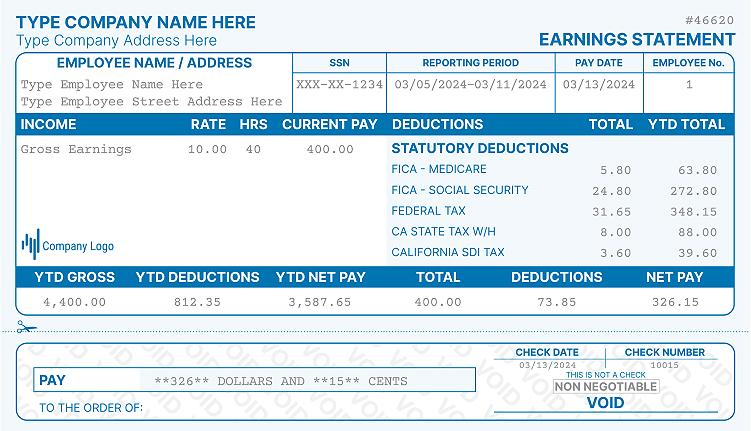
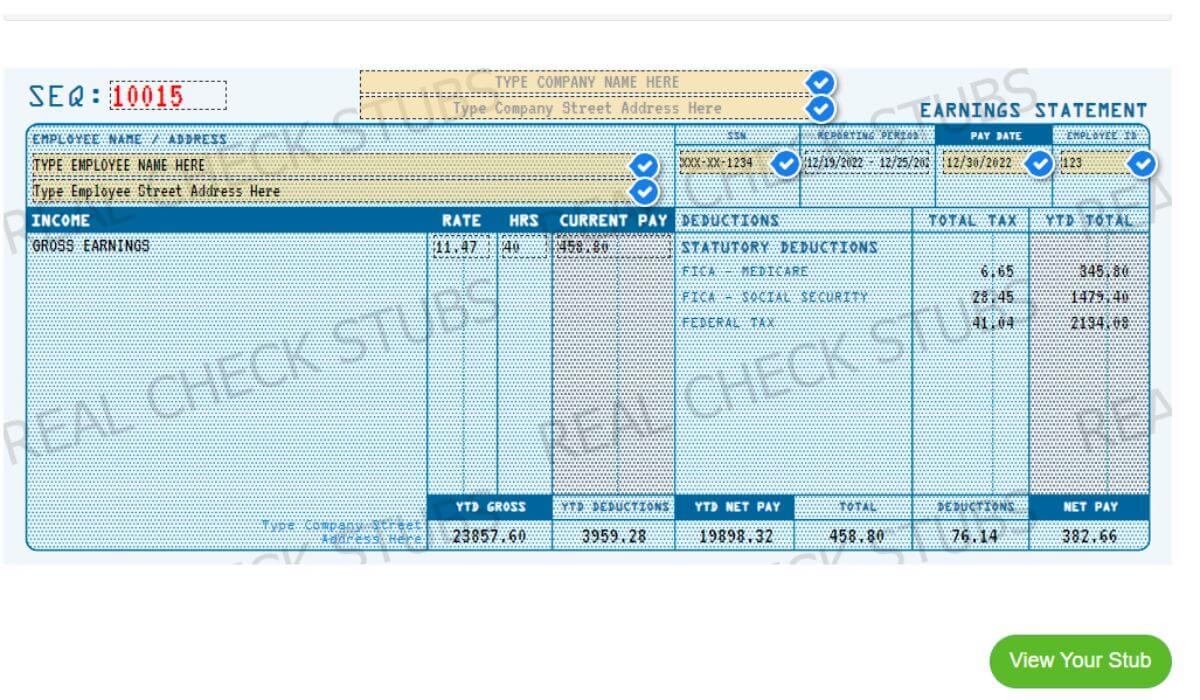
A paystub (or paycheck stub) is a record of paid wages that shows an employee both their gross and net pay. It breaks down every dollar earned and every dollar withheld so employees can verify their compensation.
An employee's gross pay is the total amount owed before any deductions. Net pay is what the employee actually receives after taxes, deductions, and contributions are removed. You should generate a new pay stub every time you transfer funds to an employee.
What Documents Do You Need Before Calculating Paystubs?
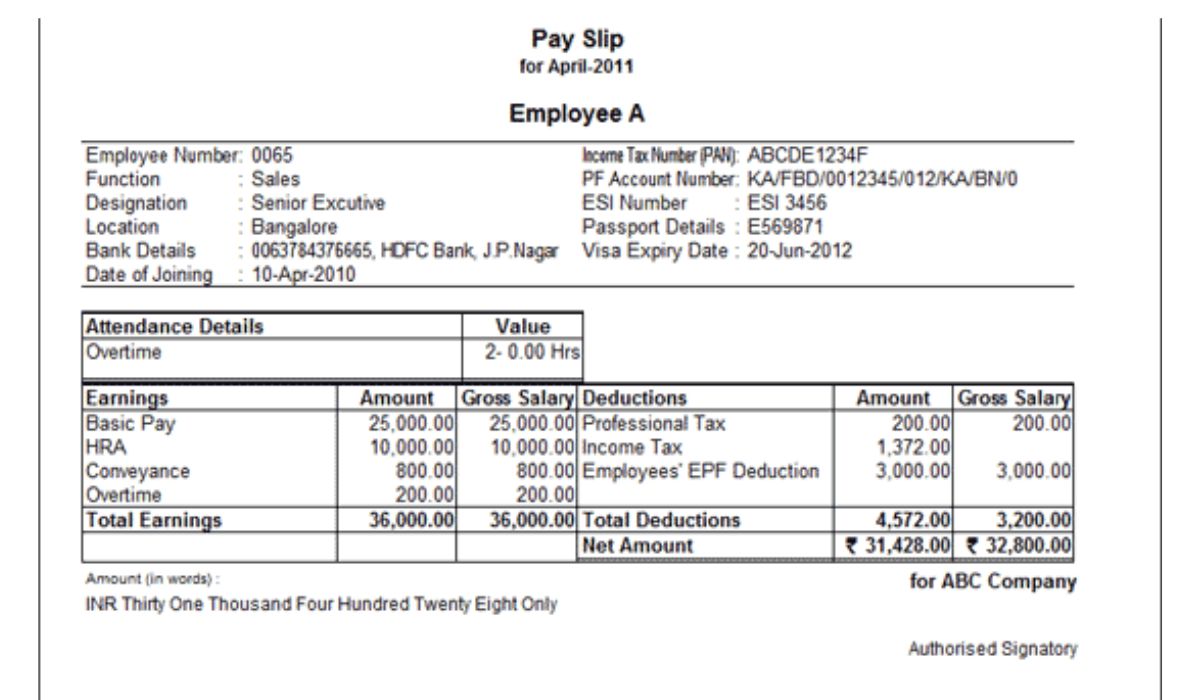
Before running any payroll calculations, make sure each employee has completed the required tax forms. These documents contain the financial data you need to withhold the correct amounts.
W-4 Form
The W-4 is required by the IRS for every new hire. It tells you how much Federal Income Tax (FIT) to withhold from each paycheck. Employees provide the following on their W-4:
- Full name and address
- Social Security number
- Marital status and filing status
- Number of dependents or additional withholding amounts
State W-4 Form
The federal W-4 form covers federal income tax only. Many states have their own withholding forms for calculating state and local taxes. You can find the full list of state-specific forms on the Federation of Tax Administrators website.
Do All U.S. States Have an Income Tax?
No. As of 2026, nine states impose no personal income tax (or tax only specific investment income). Employers in these states skip state tax withholding entirely:
- Alaska
- Florida
- Nevada
- New Hampshire
- South Dakota
- Tennessee
- Texas
- Washington
- Wyoming
Because each state sets its own payroll rules, it's important to confirm current requirements wherever your employees work or reside.
How to Manually Calculate Paystubs: Step by Step
The core payroll deduction formula is straightforward:
Gross Pay – Pre-Tax Deductions – Tax Withholdings + Expense Reimbursements = Net Pay
The steps below apply to any employer, but if you're in a no-income-tax state, you'll only need to handle federal tax withholdings in Step Three.
Step 1: Calculate Gross Pay
Calculating gross pay depends on whether your employee is hourly or salaried.
Hourly Employees
Multiply the employee's hourly rate by the number of hours worked during the pay period. For any hours over 40 in a workweek, apply the overtime rate, which is at least 1.5 times the regular hourly rate per federal law.
Salaried Employees
Divide the employee's annual salary by the number of pay periods in the year. Common pay frequencies are weekly (52), bi-weekly (26), and monthly (12).
Salaried employees earning $35,568 or less per year must still receive overtime pay when they work more than 40 hours in a week. This threshold reflects the current federal rule that was reinstated after a 2024 court ruling vacated a higher threshold.
Step 2: Apply Pre-Tax Deductions
Before calculating taxes, subtract any pre-tax deductions from gross pay. These reduce the employee's taxable income and include both voluntary and involuntary deductions:
- Voluntary: Health insurance premiums, 401(k) or HSA contributions, flexible spending accounts
- Involuntary: Child support, wage garnishments
The exact amounts for involuntary deductions will come from the IRS, a state agency, or a court order.
Step 3: Calculate Employee Tax Withholdings
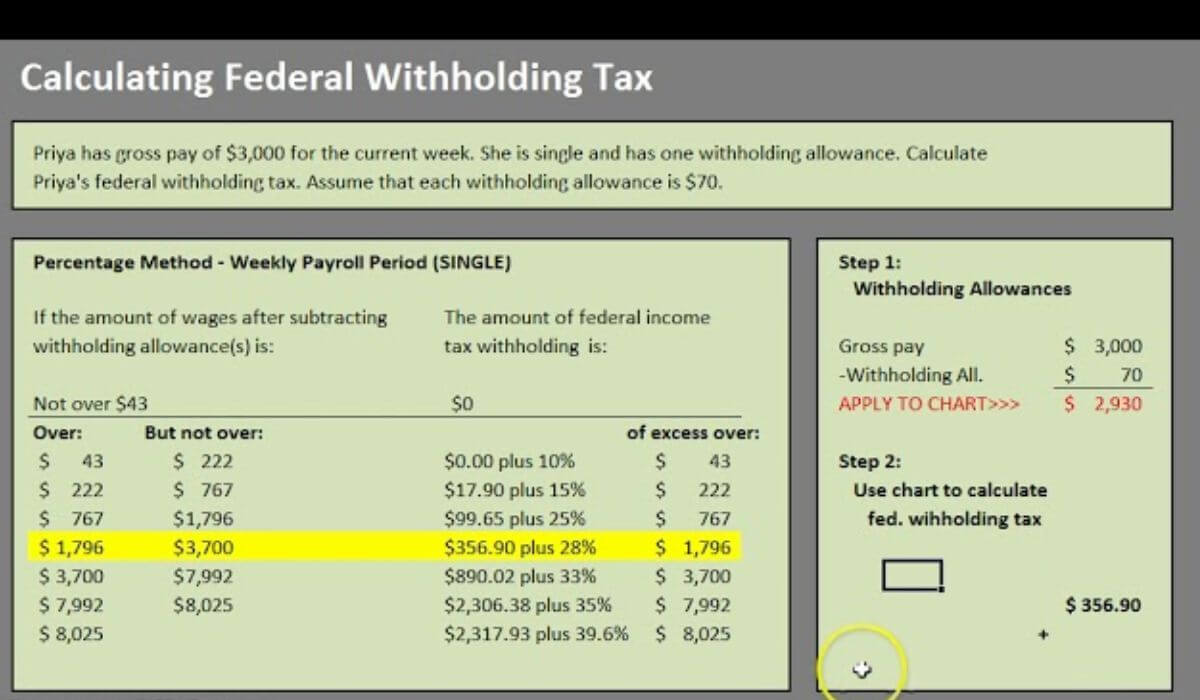
With gross pay established and pre-tax deductions removed, you can now calculate payroll tax withholdings. In states with no income tax, you'll withhold two types of federal taxes.
Federal Income Tax (FIT)
To calculate FIT, reference the withholding tables in the current IRS Publication 15-T. The exact amount depends on the employee's filing status, pay frequency, and any additional withholding they requested on their W-4. The general process is:
- Annualize the employee's gross pay for the period.
- Subtract any claimed allowances or adjustments.
- Locate the adjusted amount in the appropriate withholding table.
- Apply the corresponding tax rate and add the base amount from that bracket.
- Divide the annual FIT amount by the number of pay periods.
If the employee has tax credits, subtract those from the calculated FIT amount before finalizing the withholding.
Federal Insurance Contributions Act (FICA) Taxes
FICA covers Social Security and Medicare taxes. Both must be withheld from virtually all employee wages. You can verify current rates on the IRS website. For 2026, the rates are:
- Social Security: 6.2% on wages up to $184,500. Earnings above that limit are exempt from Social Security tax for the year.
- Medicare: 1.45% on all wages, with no cap. Employees earning more than $200,000 in the year pay an additional 0.9% Additional Medicare Tax.
Step 4: Apply Post-Tax Deductions
Some deductions are taken after federal and state taxes are calculated. Common post-tax deductions include:
- Certain retirement plan contributions (Roth 401k, for example)
- Life and disability insurance premiums
- Wage garnishments not covered pre-tax
Step 5: Calculate Expense Reimbursements
If an employee paid for business expenses out of pocket, those amounts are added back to the paycheck as reimbursements. These are not considered wages, so they are not taxed.
Step 6: Calculate the Net Pay
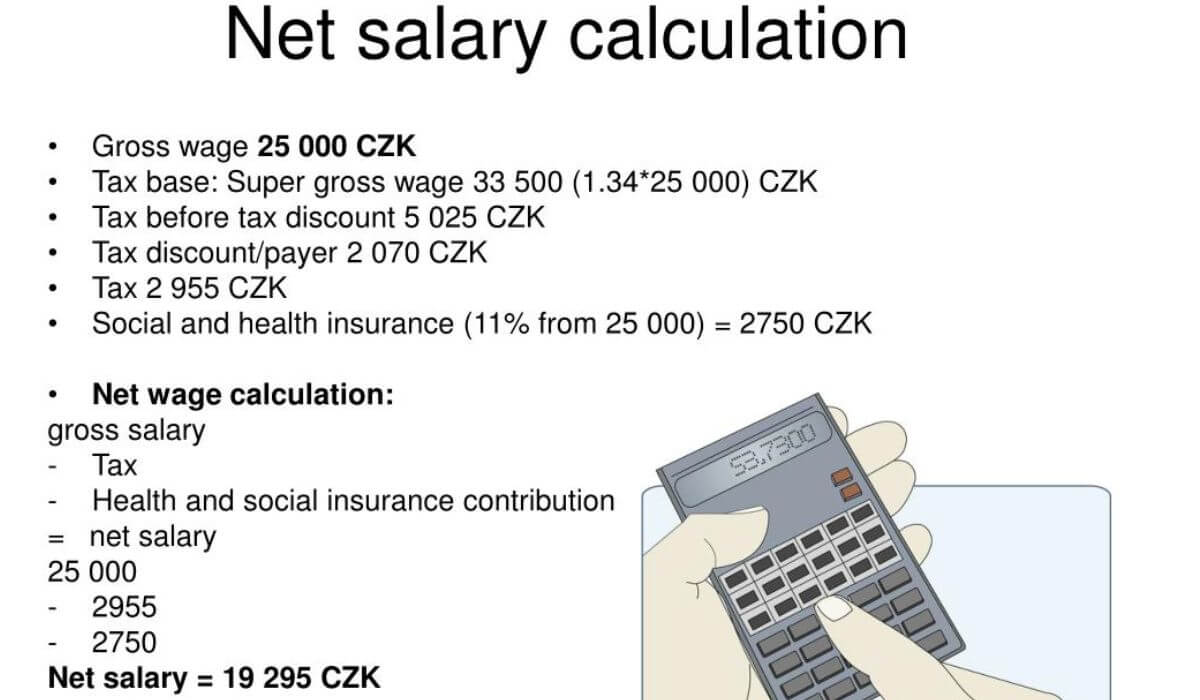
Once you have all the numbers, the final payroll calculation looks like this:
- Start with gross pay
- Subtract pre-tax deductions
- Subtract tax withholdings (FIT + FICA, plus state if applicable)
- Subtract post-tax deductions
- Add expense reimbursements
The result is the employee's net pay, which is the amount that goes into their bank account or appears on their physical check.
Skip the Math: Use a Pay Stub Generator
Manual payroll calculations work, but they take time and leave room for error. If you want a faster option, a pay stub generator handles the math automatically. You enter the employee's hours, salary, and withholding info, and it produces a formatted, accurate stub in minutes.
Real Check Stubs lets you create professional check stubs quickly and includes all standard fields like gross pay, FICA, FIT, and net pay. You can follow this step-by-step guide if you want to see how it works before you start.
Frequently Asked Questions
How do I calculate my pay stub?
Start with your gross pay, then subtract pre-tax deductions, federal and state tax withholdings, and post-tax deductions. Add any expense reimbursements at the end. The remaining amount is your net pay.
What is the formula for calculating payroll?
The basic payroll formula is: Gross Pay – Pre-Tax Deductions – Tax Withholdings – Post-Tax Deductions + Reimbursements = Net Pay. Each component must be calculated separately before reaching the final net figure.
How do you manually calculate payroll?
Collect the employee's W-4, determine gross pay based on hours worked or annual salary, apply pre-tax deductions, withhold federal (and state) taxes using IRS Publication 15-T, then subtract post-tax deductions. The result is the net pay for that period.
How is tax calculated on a pay stub?
Federal income tax is calculated using the withholding tables in IRS Publication 15-T, based on the employee's filing status and pay. FICA taxes are fixed rates: 6.2% for Social Security (up to the annual wage base) and 1.45% for Medicare on all wages.
How to run a manual payroll?
Gather W-4s for all employees, calculate each person's gross pay, apply the correct deductions and tax withholdings, then document each figure on a pay stub. Repeat each pay period and keep records for at least four years, as required by the IRS.

Kristen Larson is a payroll specialist with over 10 years of experience in the field. She received her Bachelor's degree in Business Administration from the University of Minnesota. Kristen has dedicated her career to helping organizations effectively manage their payroll processes with Real Check Stubs.
Our all Posts