Target myTime: How to Find Your Schedule, Pay Stub, and W-2

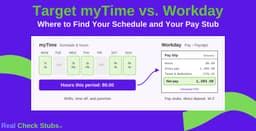
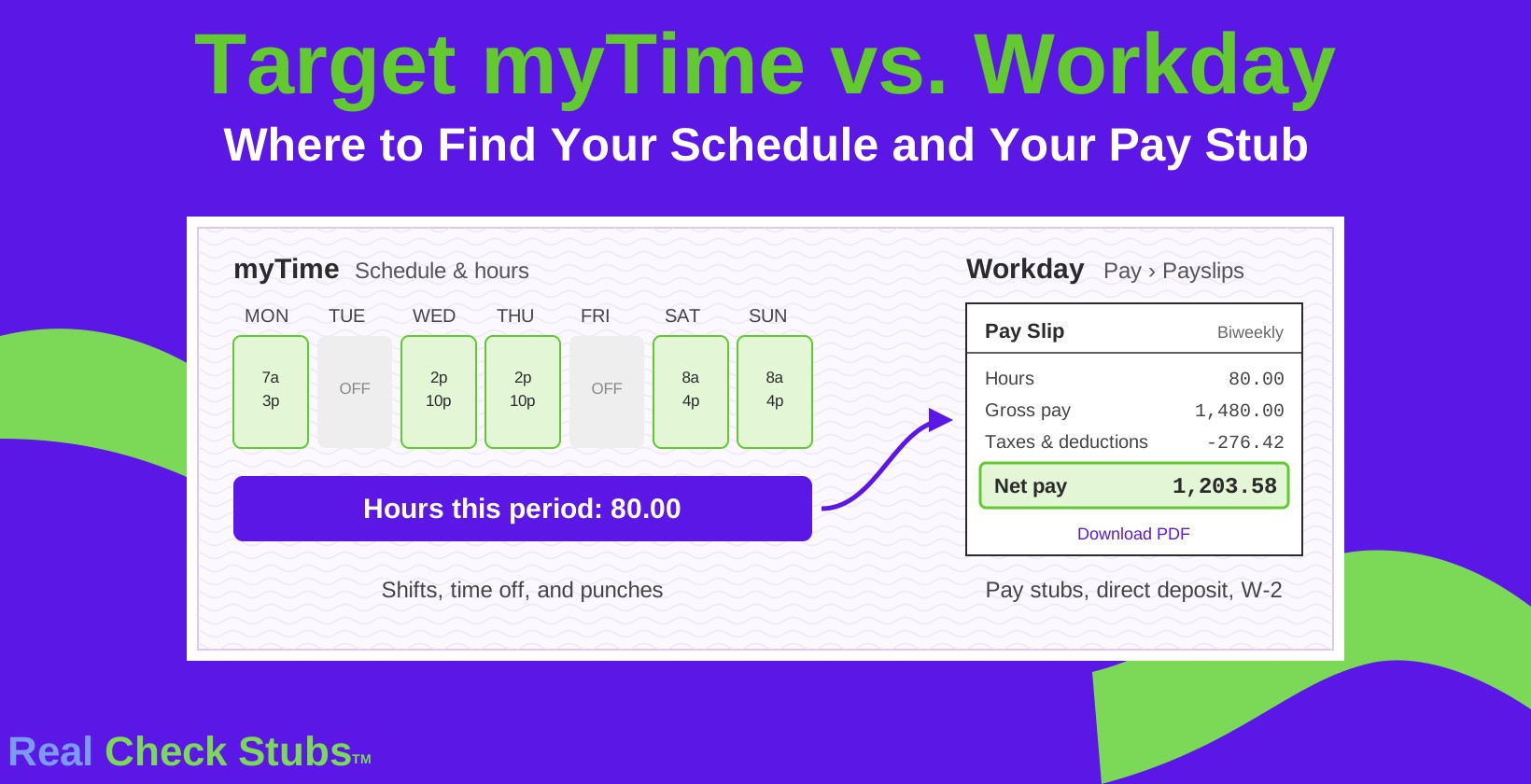
Target myTime is the portal Target team members use to view schedules, track hours worked, and manage shifts and time off, while pay stubs, direct deposit, and tax forms are in Workday, Target's HR and payroll system.
Many team members search for a pay stub in myTime and come up empty because the two tools do different jobs. This guide shows which Target tool holds each record, how to view a Target pay stub, and how former team members get pay slips and W-2s after leaving.
Key Takeaways
- myTime holds your schedule, shifts, and hours; Workday holds your pay slips, direct deposit, and tax forms.
- Sign in through Target's Team Member Services hub at target.com/team, never through a search result that only looks official.
- Team members who leave on or after May 1, 2026 keep Workday access to pay slips for 16 months.
- W-2s come through Paperless Employee, free through October 15 of the filing year.
- Target's HR Operations Center answers pay and access questions at 1-800-394-1885, Monday to Friday, 8 AM to 5 PM Central.
What Target myTime Does
Target myTime covers the scheduling side of the job: when you work, how many hours you logged, and which shifts are open. The following are the 5 main tasks team members handle in myTime:
- View your weekly schedule.
- Set availability preferences.
- Pick up open shifts or request coverage for a shift.
- Request time off.
- Check hours worked and punches before payroll closes.
Checking punches in myTime before the pay period ends matters more than it seems. A missed clock-out on a closing shift shows up as missing hours on the next paycheck, and it is easier to fix with your leader before payroll processes than after.
Target built myTime in-house as a mobile scheduling tool for its store and distribution center teams, and team members can open it at mytime.target.com in a phone browser. Third-party apps in the Apple and Google stores sometimes use Target-style names without any connection to Target, and a bookmarked link to target.com/team avoids them entirely.
Where to Find Your Target Pay Stub
Target pay stubs, called pay slips in Workday, are in the Workday Pay app, not in myTime. Active team members sign in to Workday through Target's Team Member Services hub at target.com/team or on a store device. The following are the 4 steps to view a Target pay stub:
- Sign in to Workday with your Target team member credentials.
- Open the Pay app, also shown as the Benefits and Pay hub.
- Select Payslips.
- Choose a pay date to open the pay stub, then download or print it as a PDF.
Target pays team members biweekly, so each pay slip covers a two-week pay period. Your 10-digit team member number appears at the top of every Target pay stub, which is useful when Target HR or Workday asks for it.
Target Team Member Portals at a Glance
Target splits team member records across five tools, and the right one depends on what you need. The following table shows each Target portal and what it holds:
| Portal | What it holds | Who uses it |
|---|---|---|
| myTime | Schedules, availability, shift pickups, time off, hours worked | Hourly store and distribution center team members |
| Workday | Pay slips, direct deposit, W-4, HR Requests | Active team members, and former team members for 16 months after leaving |
| Target Pay & Benefits (run by Alight) | 401(k), benefits enrollment, COBRA | Active and former team members |
| Paperless Employee | W-2 tax statements | Active team members through Workday, former team members directly |
| Team Member Services (target.com/team) | Links to all of the above, plus HR help articles | Everyone, including team members who left before May 1, 2026 |
When a record seems to be missing, check the table first. A schedule question belongs in myTime, a paycheck question in Workday, and a 401(k) question in Target Pay & Benefits.
Getting Pay Stubs After You Leave Target
Former Target team members keep access to their pay slips, but the method depends on the date they left. Target moved former team member access to Workday for anyone leaving on or after May 1, 2026.
If you left on or after May 1, 2026, Workday sends two emails from Target@myWorkday.com four days after your termination date: one with your username and one with a temporary password sent to your personal email.
Your username is your 10-digit team member number. Open the Workday access link, select Former Target Team Member, and sign in. Former team members can view and download pay slips in the Benefits and Pay hub and submit HR Requests for 16 months after their termination date.
If you left before May 1, 2026, or your 16 months of Workday access has ended, go to target.com/team and submit an HR Request for copies of past pay stubs, or call Target's HR Operations Center at 1-800-394-1885, Monday to Friday, 8 AM to 5 PM Central. The guide to getting pay stubs from a previous employer covers what to include in that request.
How to Get Your Target W-2
Target issues W-2 forms through Paperless Employee, and every current and former team member receives one each January. Employers must furnish W-2s by January 31, and for 2026 wages that deadline moves to February 1, 2027 because January 31 falls on a Sunday. Active team members open Workday, go to the Pay app, and select Tax Forms (W-4, W-2), which links to Paperless Employee. Former team members go directly to paperlessemployee.com/target and sign in or create an account.
Electronic W-2 access is free through October 15 of the filing year, and Paperless Employee charges a fee after that date. Download each year's W-2 before mid-October so you have a copy for loan applications and amended returns. Starting with 2026 wages, hourly team members who earned overtime will also see a new Box 12 code on their W-2, explained in the guide to no tax on overtime and Code TT.
Reading Your Target Pay Stub
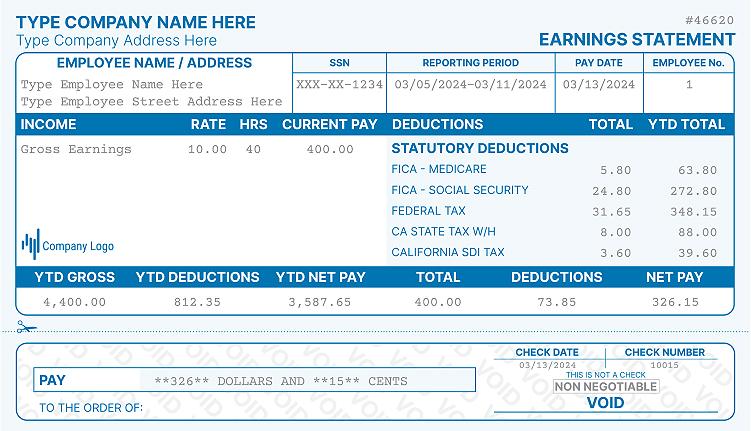
A Target pay stub follows the standard layout: earnings at the top, then taxes and deductions, then net pay. Regular hours and overtime hours appear as separate earnings lines with current and year-to-date amounts. Deductions typically include federal and state income tax, Social Security, Medicare, and any benefit elections such as medical coverage or 401(k) contributions.
Compare the hours on each pay slip with the hours in myTime for the same two weeks. A mismatch usually traces back to a missed punch, and catching it within the pay period keeps the correction on your next check. The guide to reading a pay stub explains each section line by line.
Fixing Target Login Problems
A failed Target sign-in usually has a simple cause, and each step below takes less time than the one after it. The following are the 4 fixes to try in order:
- Use the password reset option on the sign-in screen, with your team member number ready.
- Wait a short time and try again if the account locked after several failed attempts.
- Clear your browser cache or switch to a different browser.
- Call the HR Operations Center at 1-800-394-1885, Monday to Friday, 8 AM to 5 PM Central, or ask your store HR team in person.
Former team members who no longer have their team member number can find it at the top of any saved pay stub, which is one more reason to download each pay slip as a PDF before your last day.
Signing In Safely
Search results for Target login terms include lookalike sites that copy Target's branding and ask for your team member number and password. Sign in only through target.com/team, a store device, or the official links Target sends you. Target's former team member emails come from Target@myWorkday.com. Target Pay & Benefits is hosted by Alight at digital.alight.com/tgt, so a sign-in page on alight.com is legitimate for benefits. A site that is not on target.com, myworkday.com, alight.com, or paperlessemployee.com should not get your Target credentials.
When You Cannot Get Your Pay Stub
If Workday access has expired and an HR Request has not come back in time, other documents can prove what Target paid you. A W-2 shows annual wages, bank statements show each biweekly direct deposit, and an employment verification letter from Target HR confirms your pay rate and start date.
Landlords and lenders accept these combinations, as covered in the guide to showing proof of income without pay stubs.
Frequently Asked Questions
Can I see my pay stub in Target myTime?
No, Target pay stubs are in Workday, not myTime. myTime shows schedules, shifts, and hours worked. Open Workday, go to the Pay app, and select Payslips to view or download a Target pay stub.
How do I log in to Target Workday?
Active team members sign in to Workday through target.com/team or a store device with their Target credentials. Former team members who left on or after May 1, 2026 select Former Target Team Member and use their 10-digit team member number.
What is the Target HR phone number for team members?
Target's HR Operations Center is at 1-800-394-1885, Monday to Friday, 8 AM to 5 PM Central. Have your team member number ready. For questions about the details on your W-2, Target directs team members to a tax advisor or the IRS.
Where do I find my Target team member number?
Your Target team member number appears at the top of your pay stub. Former team members who left on or after May 1, 2026 also use it as their Workday username.
How often does Target pay team members?
Target pays team members biweekly, every other week, which works out to 26 paychecks a year. Each pay slip in Workday covers one two-week pay period.
How long can former team members access Target Workday?
Former team members who left Target on or after May 1, 2026 can access Workday for 16 months after their termination date. After that, request records through an HR Request at target.com/team.
How do former team members get a Target W-2?
Former team members get their Target W-2 at paperlessemployee.com/target by signing in or creating an account. Access is free through October 15 of the filing year, and a fee applies after that.
Why are my hours wrong on my Target paycheck?
Wrong hours usually come from a missed or incorrect punch. Compare the pay slip in Workday with your hours in myTime, then ask your leader to correct the punch so the missing pay is added to your next check.
References
- Target HR: Access Workday as a Former Team Member
- Target HR: Submitting an HR Request
- Target HR: Target Pay & Benefits for Former Team Members
- Target Team Member Services
- Target Team Member Services: W-2 and HR Operations Center FAQ
- Target Tech: myTime for Target, Built for Target by Target
- Paperless Employee: Target W-2 Access

Allen Wood is an accomplished accountant with over 15 years of experience in the field.
Our all Posts